
Logipax · Public authorities
Public authorities
School transport, accessible services, shuttles and demand-responsive transport start with your passengers, routes and responsibilities.
Inside your operation
Prepared routes, services you can verify
School transport, accessible services, shuttles and demand-responsive transport start with your passengers, routes and responsibilities.
Inside your operation · 01
Prepare the service calendar
Set operating days and the period for recurring routes. Check exclusions, pickup points and operational contacts before sharing the programme.
See how it works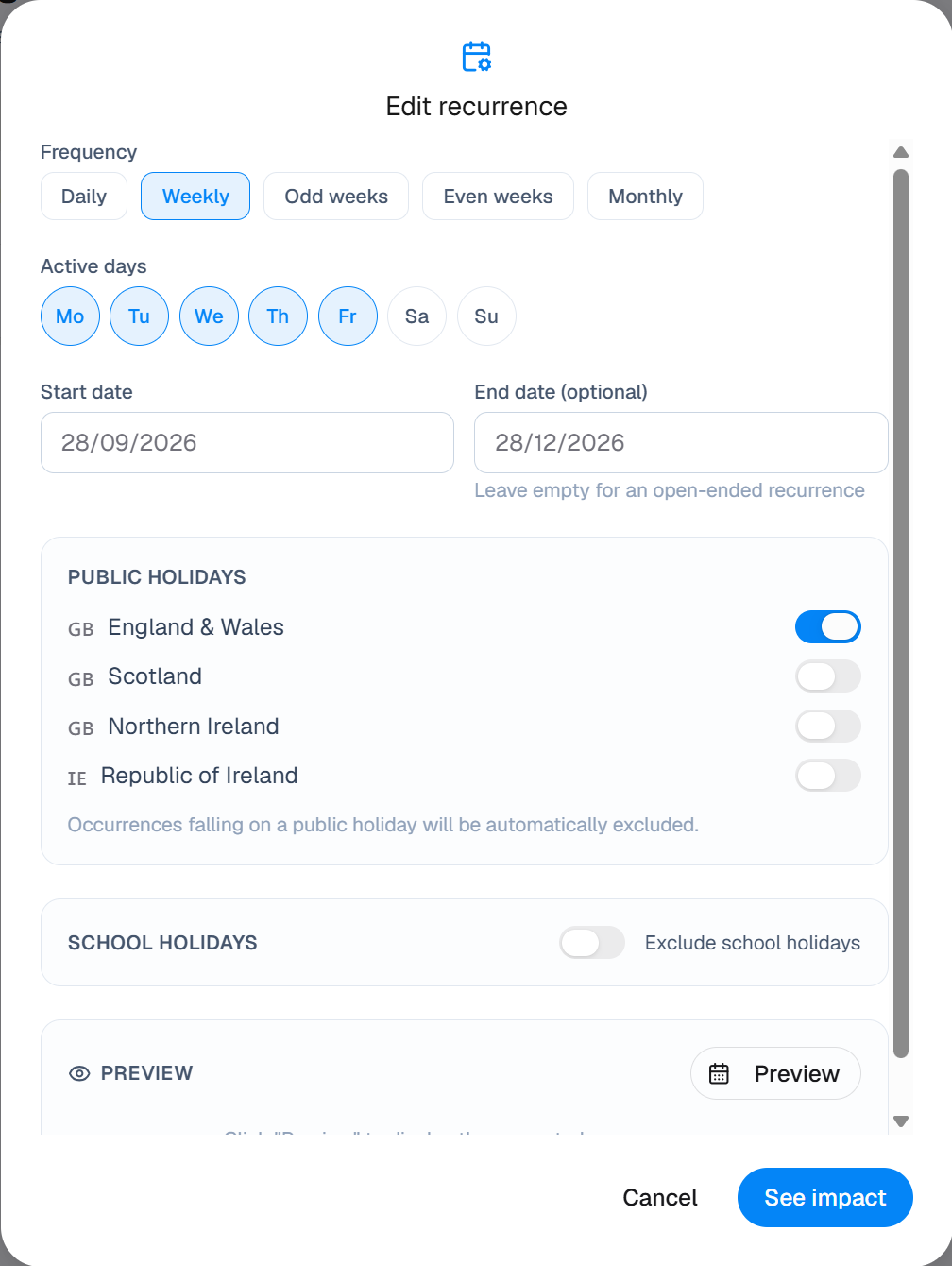
Inside your operation · 02
Coordinate teams and operators
Connect services to assigned resources in the schedule. Set access by role and give drivers the information needed for their own trips, taking particular care with passenger information.
See how it works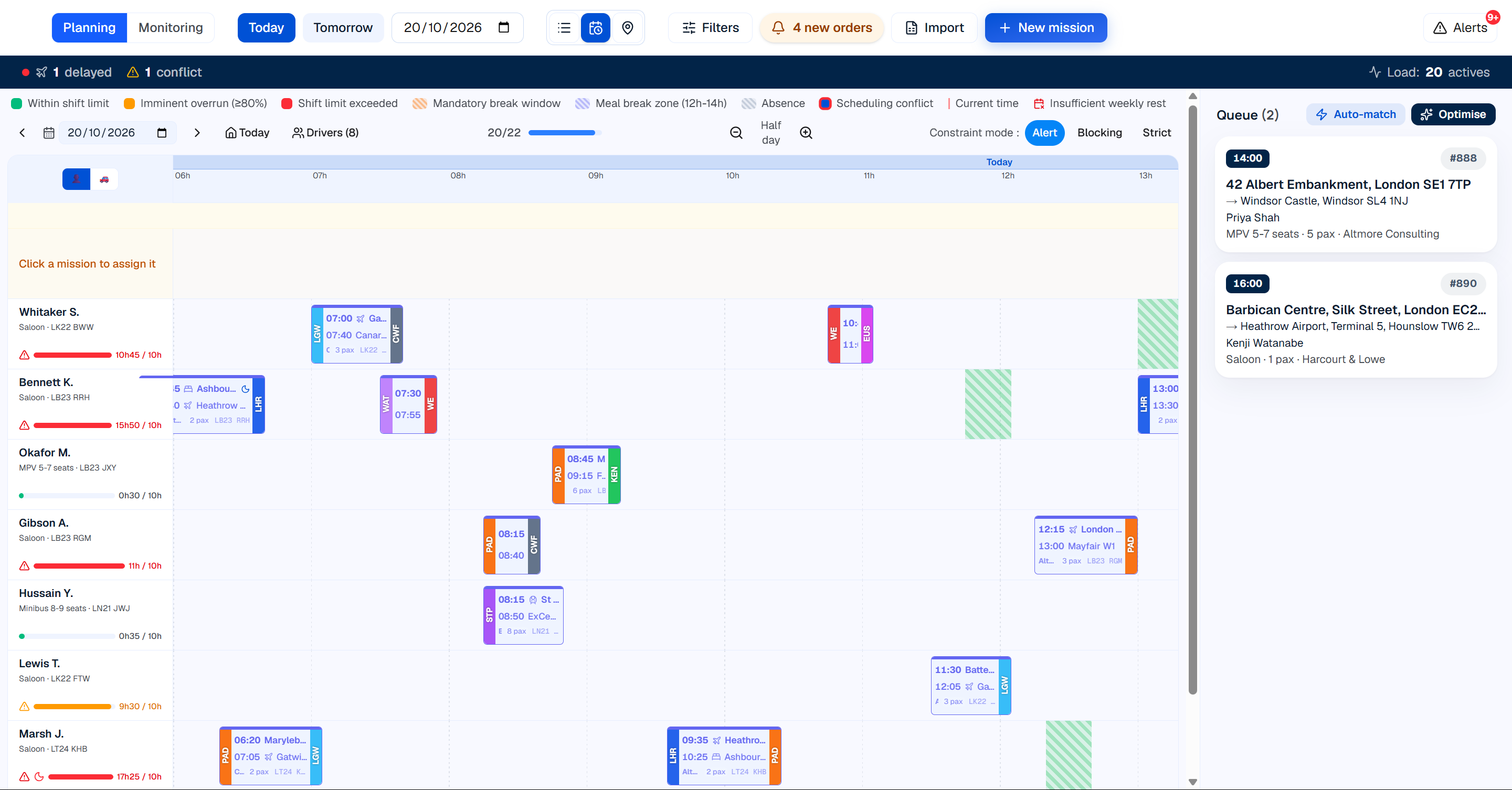
Inside your operation · 03
Review delivery against the agreement
Use service records and partner details to compare completed work with the contract. Reporting, hosting, data return and procurement requirements are agreed with your teams before commitment.
See how it works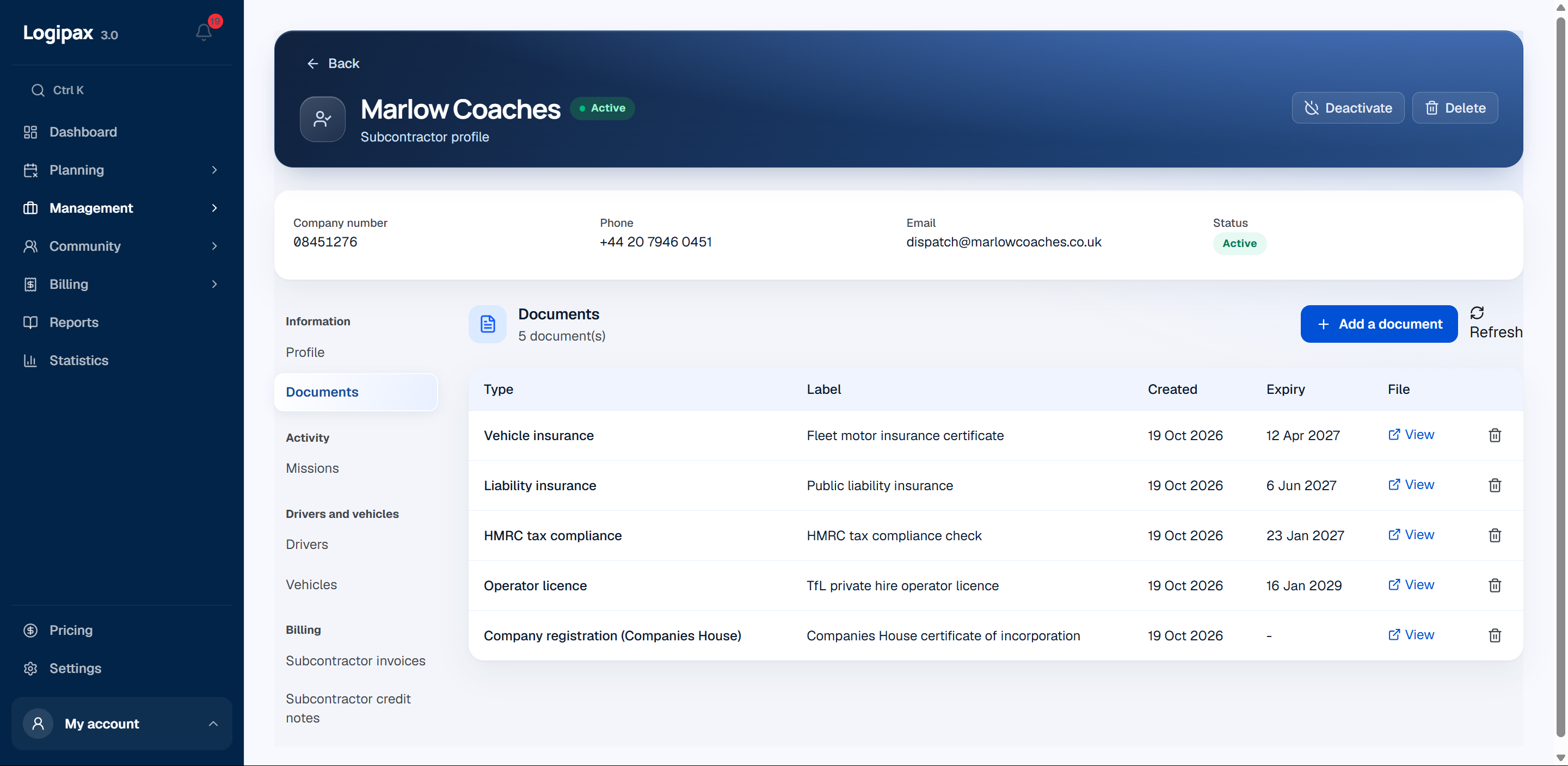
Driver app
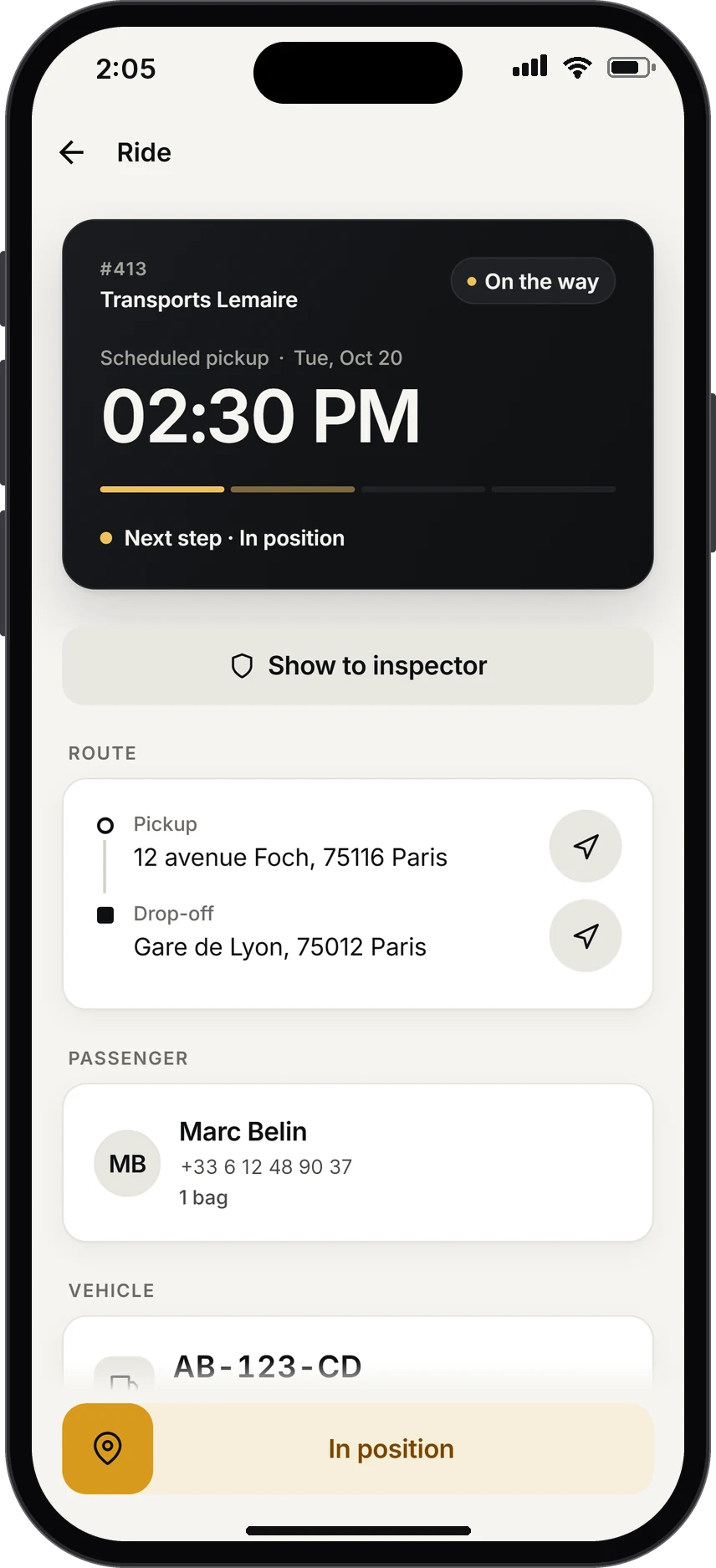
The next trip comes first.
As soon as the app opens, the driver sees what matters, in large type: pickup time, time remaining, passenger and route. Flight running late? The alert is already there.
- Call the passenger or start navigation in one tap
- “I confirm”: the red badge disappears from your schedule
- Today’s trips and a 30-day history
Practical questions
How should we prepare the setup?
Prepare representative trips, your vehicle categories and team roles. Test the whole journey from enquiry and assignment to the driver’s trip and invoicing, then organise data migration and access.
Who can see the data?
Permissions define information access by role. Drivers see their own trips; access scopes for teams and partners are prepared with your organisation’s managers.
Public authorities
A scope defined with your teams
Share your routes, operators, data migration needs and timetable. We review your teams’ requirements, documentation and procurement framework before proposing a scope and price.